How To Play
Setting Your Bet
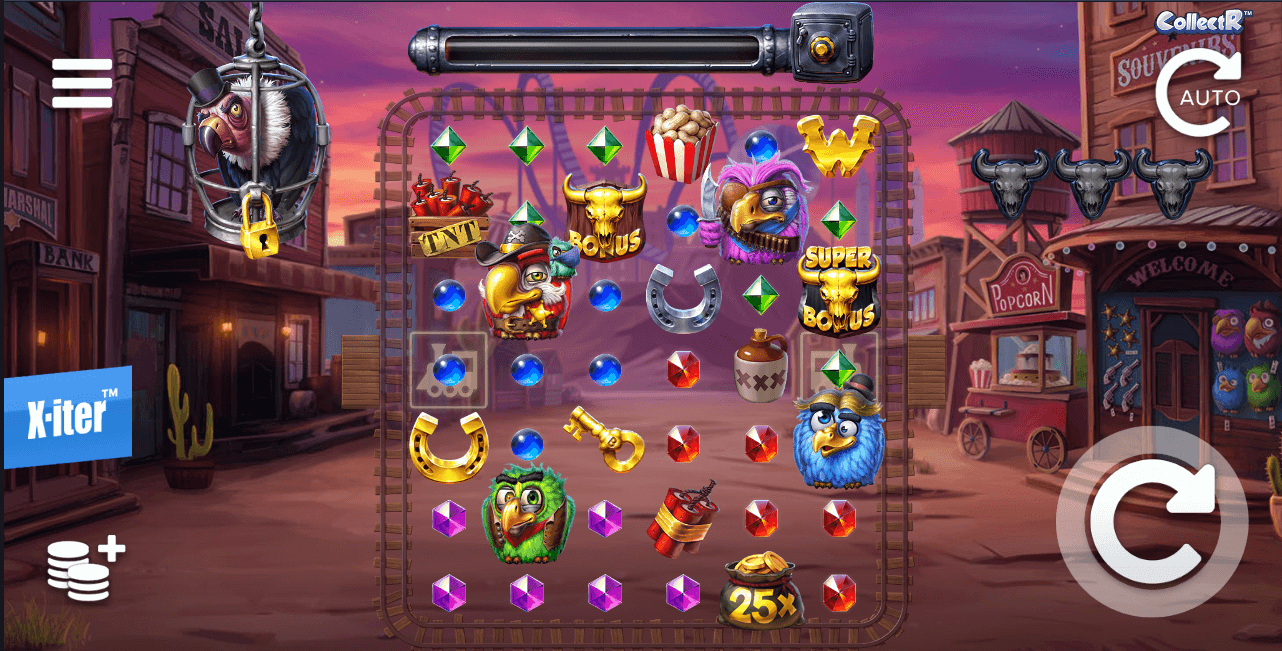
Before you spin, tap the coin stack icon on the left panel or the bet display at the bottom. This opens a grid with 12 preset bet amounts ranging from €0.20 to €100.00, arranged in three columns. The current bet glows cyan blue—just tap any other amount to switch. There's no slider or +/- buttons; you're selecting from fixed options. Once you've chosen, tap outside the grid or the X to close it.
Spinning the Reels
The large circular button in the bottom right corner is your spin button. One tap starts a game round at your selected bet. Simple enough, but there's a twist: if you hold down that spin button instead of tapping, you'll trigger auto spin without opening any menus. It's the quickest way to start continuous play.
For more control over auto play, use the Auto button on the right side of the screen (the circular arrow icon). Tap it and you'll choose from 10, 25, 50, or 100 automatic spins. The game runs through your selected number, stopping when the count runs out or if you tap the button again to cancel.
X-iter Bonus Buy
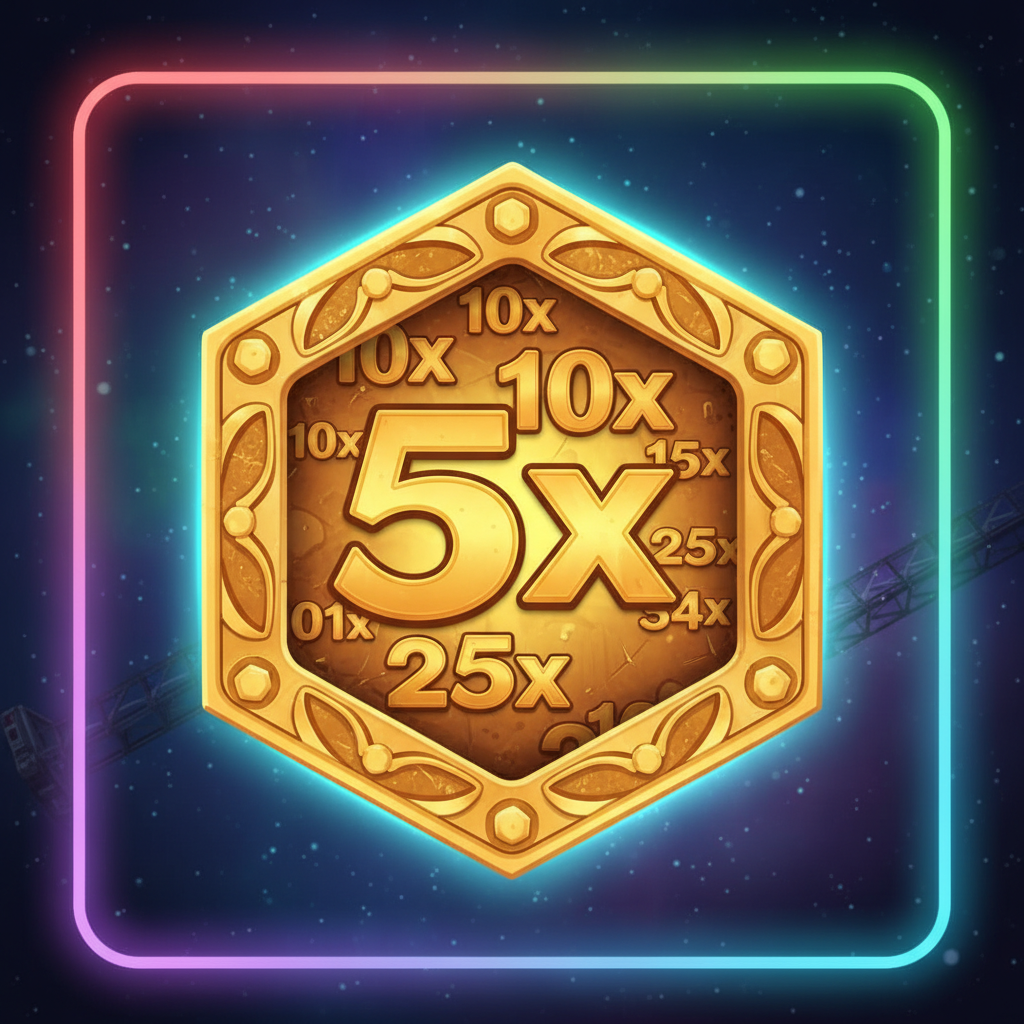
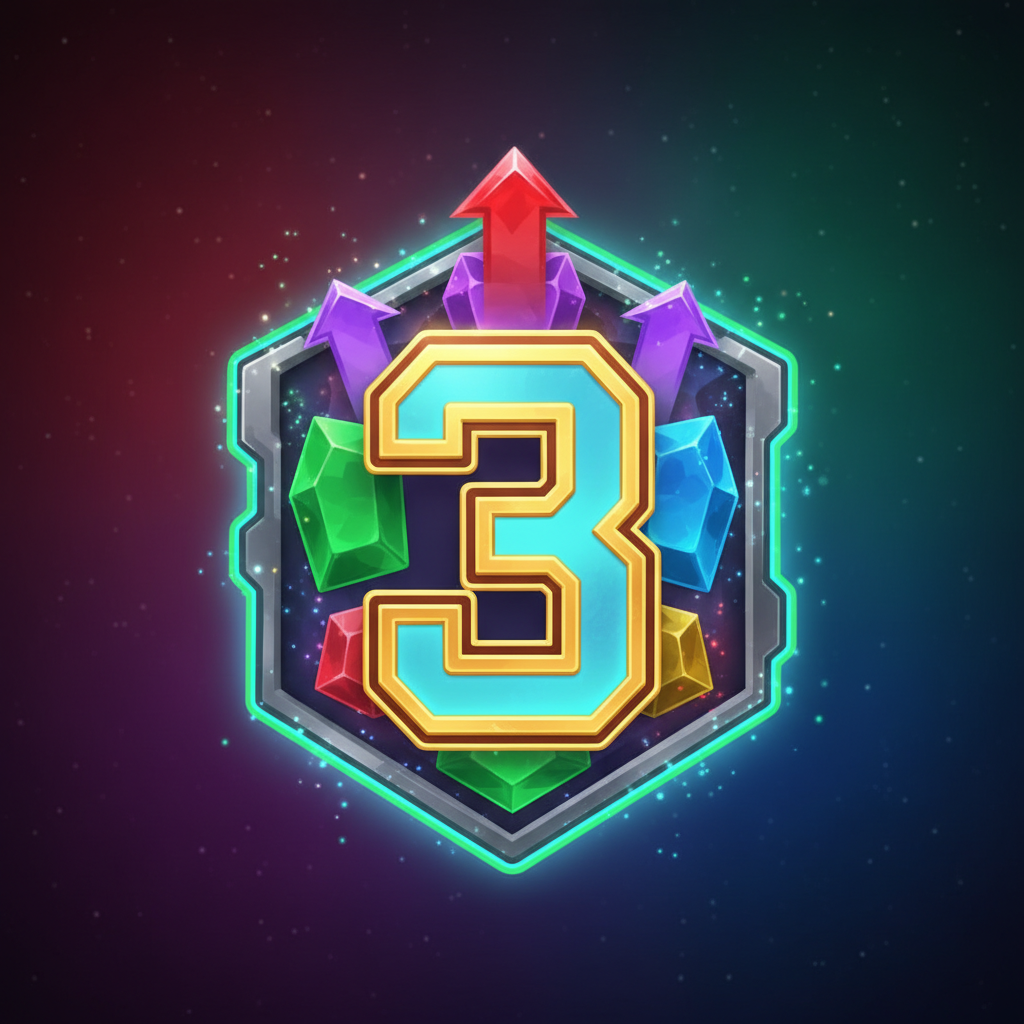
The blue X-iter plaque on the left panel lets you buy direct entry to features rather than waiting to trigger them naturally. You'll see five modes with different costs: Bonus Hunt (3x bet), Bandit Jailbreak (25x), Coin Game (50x), Bonus (100x), and Super Bonus (500x). The minimum X-iter purchase is €0.60, maximum €50,000. Tap the plaque to view your options, then select the mode you want. Your bet gets multiplied by the mode's cost—so if you're on a €1.00 bet and choose Bonus (100x), you'll pay €100 for that single game round. X-iter only works in base game; you can't activate it during features.
Additional Controls
The hamburger menu (three lines, top left) opens game rules, paytable, and settings. You can switch between currency and coin display, adjust sound, or check your game history from there.